For kids

Hey โ€” your parents got GuardianGamer.
Here's what that means.

Short version: nothing changes for you when you play. Same games. Same friends. Same accounts. The only thing that changes is your parents stop worrying about your gaming โ€” which usually means more game time, not less.

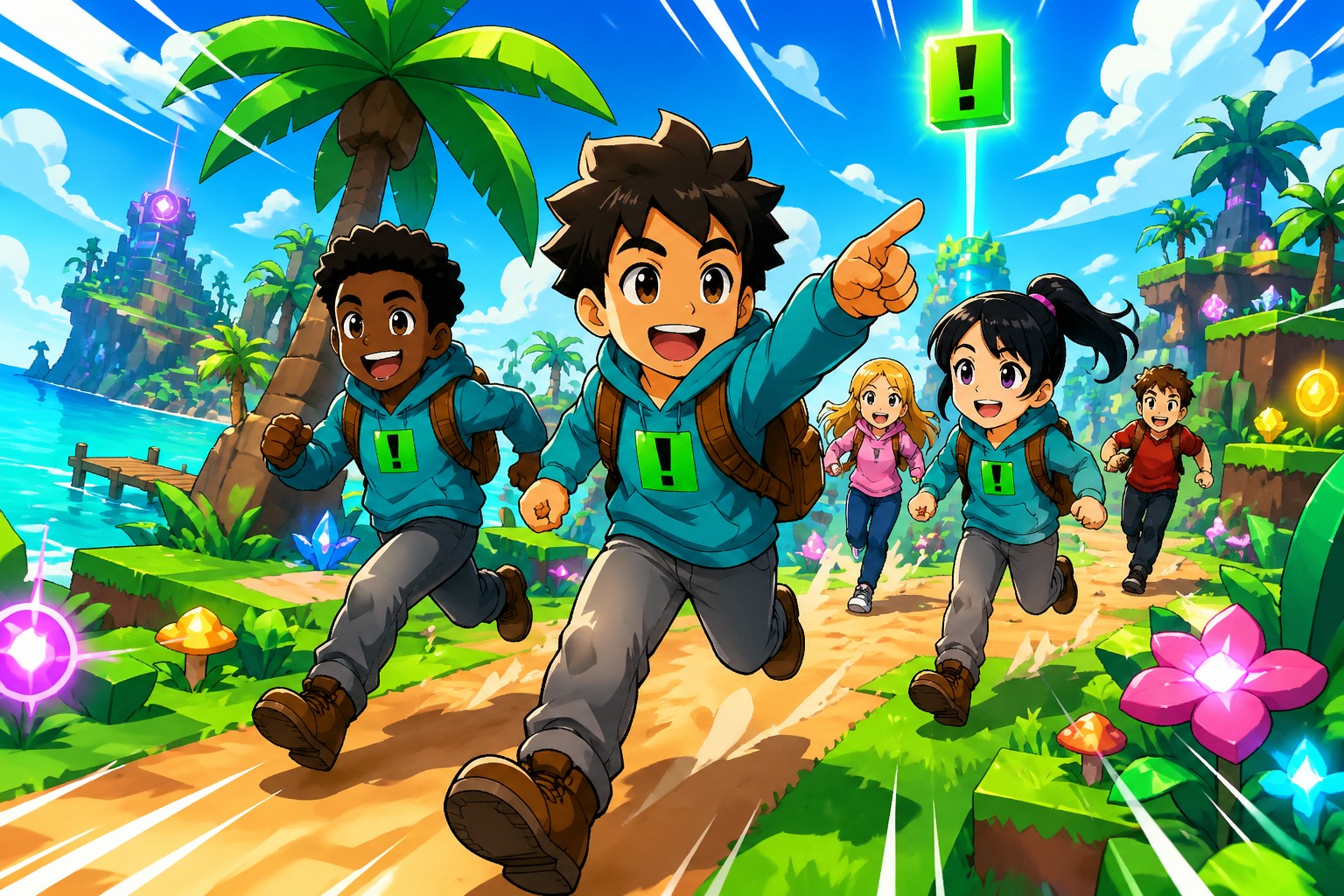
Kids in GuardianGamer hoodies sprinting through a colorful gaming world together
What it actually does

Think of it like a highlight reel for your gaming.

Your parents see the cool moments โ€” the big wins, the funny saves, the friends you helped. Not every keystroke. Not your private messages. Just the stuff worth talking about.

You play normally.

Same Roblox. Same accounts. Same friends. Nothing pops up on your screen. No nags, no warnings, no "GuardianGamer is watching" messages. You just play.

Your gameplay becomes a video story.

The app turns your best moments into a short video highlight reel โ€” like a TikTok of you being awesome. Your big wins, funny saves, helping a friend. About 20 minutes after you play, the reel shows up in your parents' app. They watch it. You just keep playing.

Voice chat with your real friends.

Your school crew, your sports team, your siblings โ€” voice chat works with people your parents have approved. Random strangers in random servers? Not so much.

It's not in your game.

Nobody you play with sees anything. No badge, no status, no "this kid has GuardianGamer." It only lives on your parents' phone โ€” quiet, in the background.

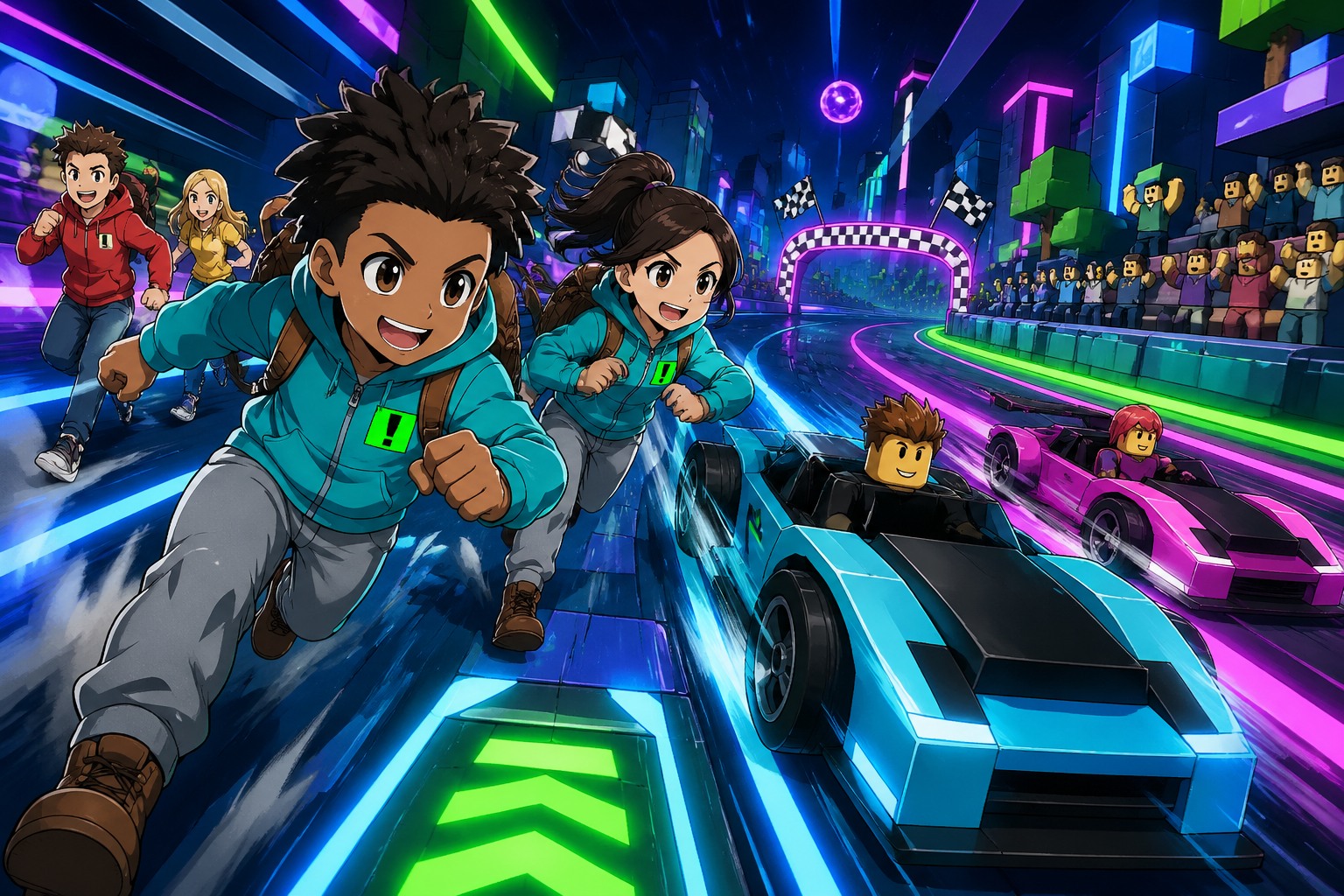
Two kids racing through a Roblox-style neon-lit speedway with avatar spectators
Your worlds. Your crew. Your call.
The honest version

Here's what GuardianGamer is โ€” and isn't.

You're old enough for the real answer. So here's the actual deal, with nothing sugar-coated.

โœ“ Yes, it does this
  • Helps your parents see what games you played and for how long.
  • Turns your best moments into a short video highlight reel they can watch.
  • Notices if chat gets really mean or someone strange tries to message you.
  • Lets your parents set time limits and approve who you can voice-chat with.
โœ— No, it doesn't do this
  • It doesn't show your parents every single message you send.
  • It doesn't talk to you. There's no AI buddy in your game and no pop-ups.
  • It doesn't appear in your games. Your friends can't see it or detect it.
  • It doesn't kick you off, slow your game down, or change how Roblox works.
What your parents see

Their app has a chat Assistant.

Your parents don't watch your screen, and they don't read your chats live. The GuardianGamer Assistant on their phone writes them a summary after each session. When they want to know something specific, they just ask it. You're never in this chat.

GuardianGamer Assistant online
Did they spend Robux today?
Nope โ€” no spend today. They window-shopped the avatar store for about 6 minutes but didn't check out.
What did they play?
Mostly Adopt Me with Sam and Maria from school. About 45 minutes total.

Your parent asks. The Assistant answers from real session data. You stay focused on your game.

Coming up on YouTube

Example highlight reels we're filming next.

These are the kinds of moments the GuardianGamer app turns into a video story for your parents. Follow @guardiangamercom โ€” we drop a new one every week.

Now playing
โ— Now on YouTube

See our founder Heidi and her daughter.

Heidi tested GuardianGamer with her own daughter โ€” the reel above is what her family got back, pulled automatically from the gameplay. This is what your parents see in their app.

๐Ÿ“บ Up next ยท production queue
0:42

Maya's tower defense save

Coming soon
1:08

Sibling teamwork in Bedwars

Coming soon
0:55

The funniest gaming save of the week

Coming soon
1:24

Kindness wins: helping a new player

Coming soon
0:38

When the highlight reel made Mom cry (the good way)

Coming soon
1:46

Dad's first game with the kids

Coming soon
Get started

Start gaming safely on Roblox tonight.

You can have all of this set up in about three minutes. Show this list to your parents and you'll be playing safely by dinner.

  1. 1

    Show your parents the app.

    Free in the App Store. They install GuardianGamer on their phone. (No iPhone? They can use the web app at guardiangamer.gg.)

  2. 2

    Pick how you play.

    Two ways, depending on your device:

    • iPad or iPhone โ€” your parents install the same GuardianGamer app on your device.
    • Android or PC โ€” open joinmy.gg in any browser. No install.

    Either way, type the pairing code from your parents' app. Takes about three minutes.

  3. 3

    Tell them who your real friends are.

    Your school crew, your sports team, your siblings โ€” give your parents the list of who you actually want to voice-chat with. They approve them once and you're set.

  4. 4

    Play.

    That's it. Same Roblox. Same fun. Highlights show up on your parents' phone after each session โ€” nothing for you to do.

App Store for iOS. joinmy.gg for Android or PC โ€” works in any browser, no install.